Style with Tailwind CSS
--css=tailwind: components with Tailwind CSS
4.3.3’s utility classes, and a stylesheet that Tailwind compiles from
them. anetos dev and anetos build run Tailwind’s standalone CLI for
you: no Node.js.
Before you start
A project made with anetos new blog --css=tailwind, or switched to it
with go tool anetos css:use tailwind. The first compile downloads
Tailwind CSS (80 to 112 MB, once): see How it works.
Steps
1. Know its files
| File | Holds |
|---|---|
views/ui/tailwind.css | The source: @import "tailwindcss" source("..") (Tailwind looks for classes in views/), the accent color in @theme, and the look of the pages’ plain HTML (headings, lists, table cells) |
public/static/app.css | What Tailwind compiles from it, minified: the stylesheet the pages link. Commit it, as the _templ.go files: go build, go test and the Dockerfile use it as it is |
public/static/tailwind.LICENSE.txt | Tailwind’s license (MIT): app.css carries its code |
views/ui/*.templ | The components, with utility classes |
views/ui/classes.go | The classes of each variant, size and tone, and of the form controls |
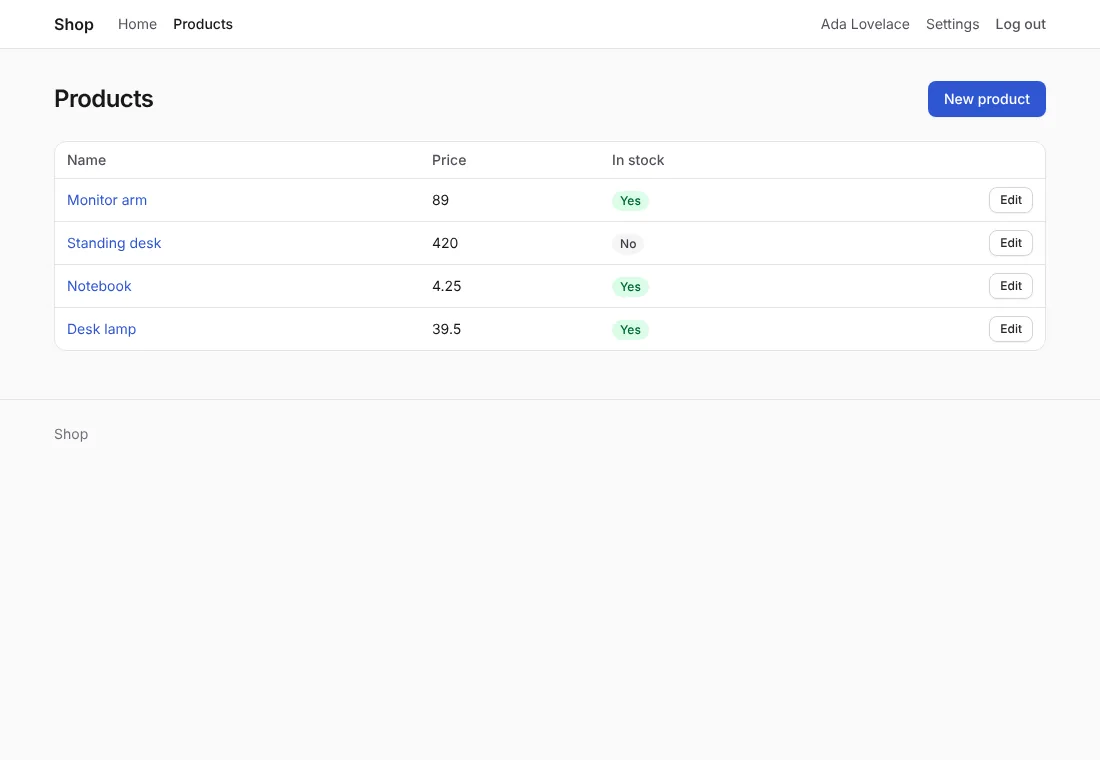
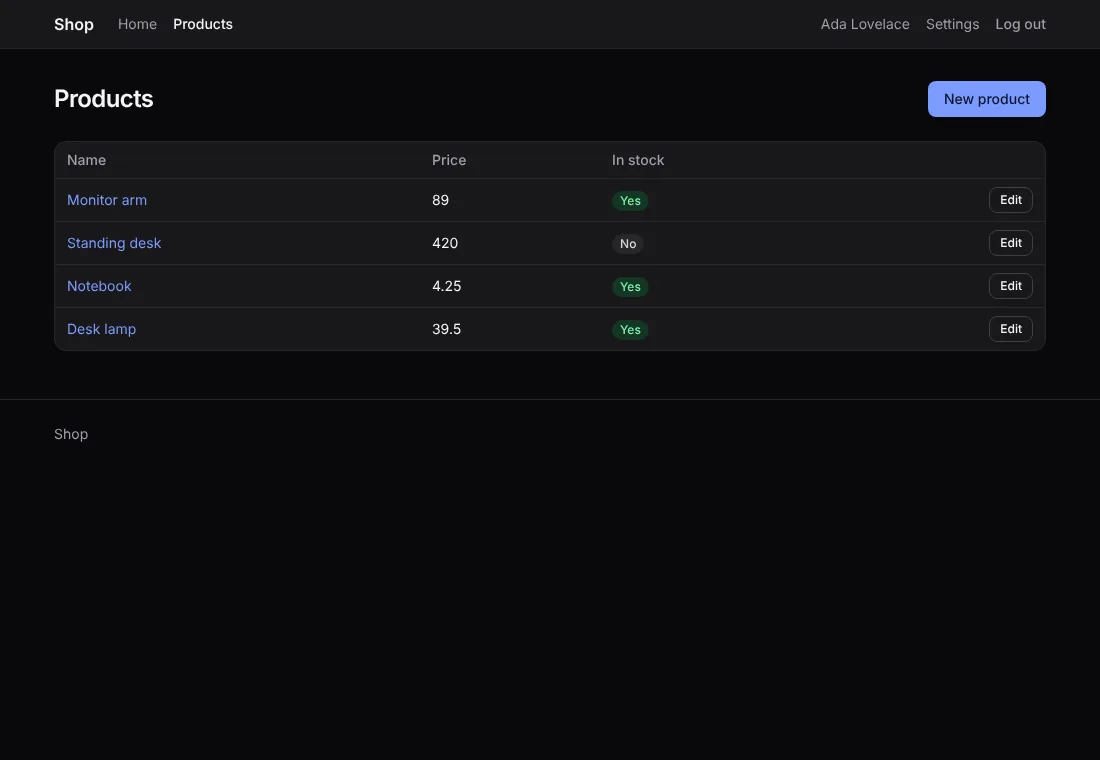
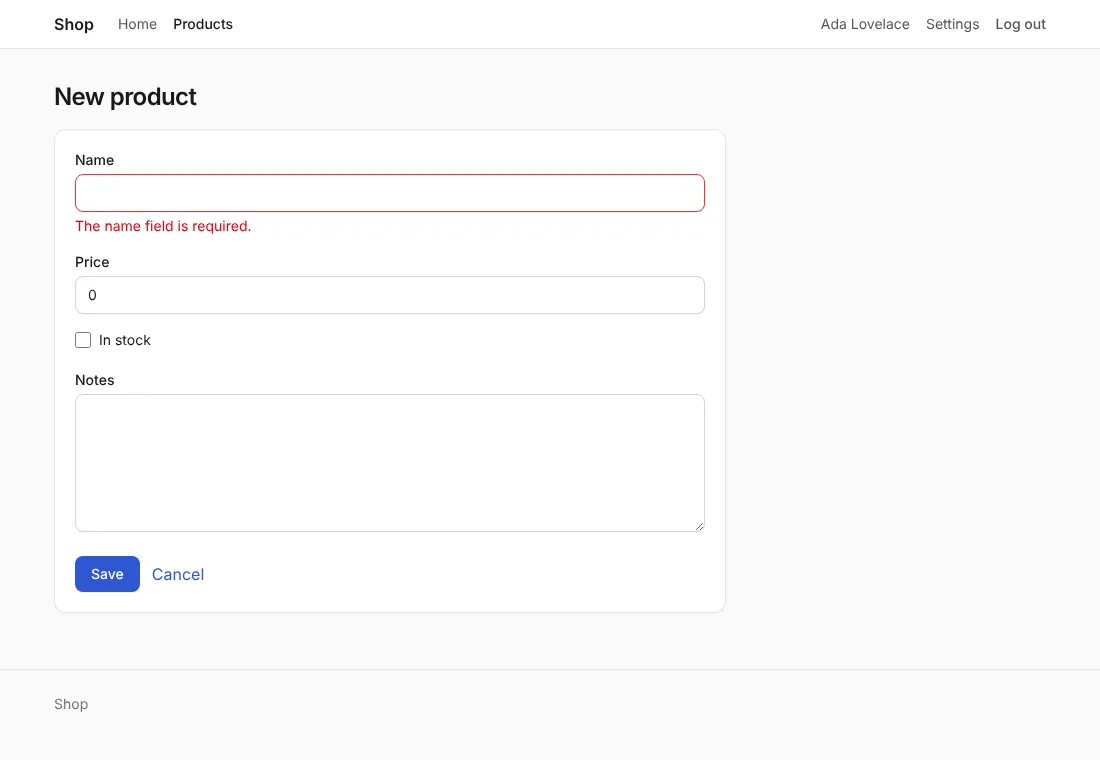
A new project’s app.css comes compiled: it has every class of the
components, and the pages of make:crud and make:auth add none, so
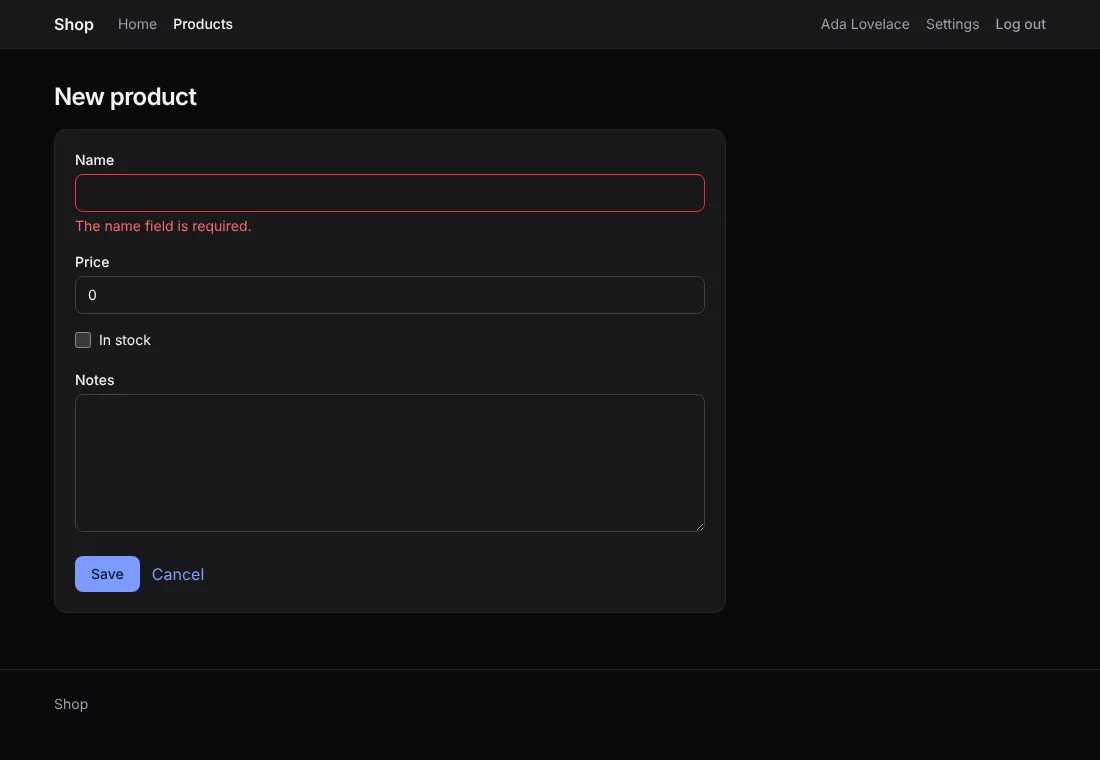
they look right before Tailwind ever runs. A form with its errors:
2. Add classes, and let Tailwind compile them
When you add a class to a page or a component, Tailwind writes its rule:
go tool anetos devcompilesapp.cssbefore each rebuild, when a templ file, a Go file ortailwind.csschanges (about 0.2 s);go tool anetos buildcompiles it before building the binary;go tool anetos css:buildcompiles it alone, andcss:build --checkfails when it’s out of date (for CI).
A class must be written whole in a file of views/: Tailwind finds
bg-red-600 in "bg-red-600", not in "bg-" + color.
3. Change its colors
The accent (links, the primary button, focus rings) is @theme’s
--color-accent in tailwind.css, with its dark values below it:
/* illustrative */
@theme {
	--color-accent: #7c3aed;
	--color-accent-hover: #6d28d9;
	--color-on-accent: #ffffff;
}
The grays are Tailwind’s zinc, with dark: variants in the
components; change them there. Dark mode follows the visitor’s system.
How it works
anetos runs Tailwind’s standalone CLI. The first run downloads
Tailwind CSS 4.3.3 for your computer (Linux, macOS or Windows) from its
GitHub releases into your user cache directory
(~/Library/Caches/anetos/tailwindcss/ on macOS,
~/.cache/anetos/tailwindcss/ on Linux,
%LocalAppData%\anetos\tailwindcss\ on Windows), and checks its
SHA-256 against the one written in anetos, then again before each
run. On Alpine Linux, the musl build it downloads needs apk add libstdc++ libgcc. Offline, or on another platform, download a
tailwindcss binary yourself and set ANETOS_TAILWIND to its path.
When Tailwind can’t run, anetos dev says why and keeps the app.css
there is until you restart it, so new classes aren’t styled yet;
anetos build and css:build fail. A Tailwind project’s Dockerfile
keeps the download in BuildKit’s cache (Deploy).
Common problems
| Symptom | Cause | Fix |
|---|---|---|
| A class you added has no effect | app.css wasn’t compiled since (no anetos dev running, or Tailwind couldn’t run: its message says why), or the class is built from pieces | Run go tool anetos css:build; write the class whole |
anetos dev says it can’t download Tailwind CSS | Offline, a proxy, or a platform without a standalone CLI | Download the binary the message names, and set ANETOS_TAILWIND to its path |
tailwind: tailwindcss-… has SHA-256 …, not … | The download isn’t the release anetos was made for (altered, or cut off) | Nothing is run; try again, or use ANETOS_TAILWIND with a binary you trust |
CI fails css:build --check | app.css wasn’t compiled after a change of classes | Run go tool anetos css:build and commit app.css |