The starter theme
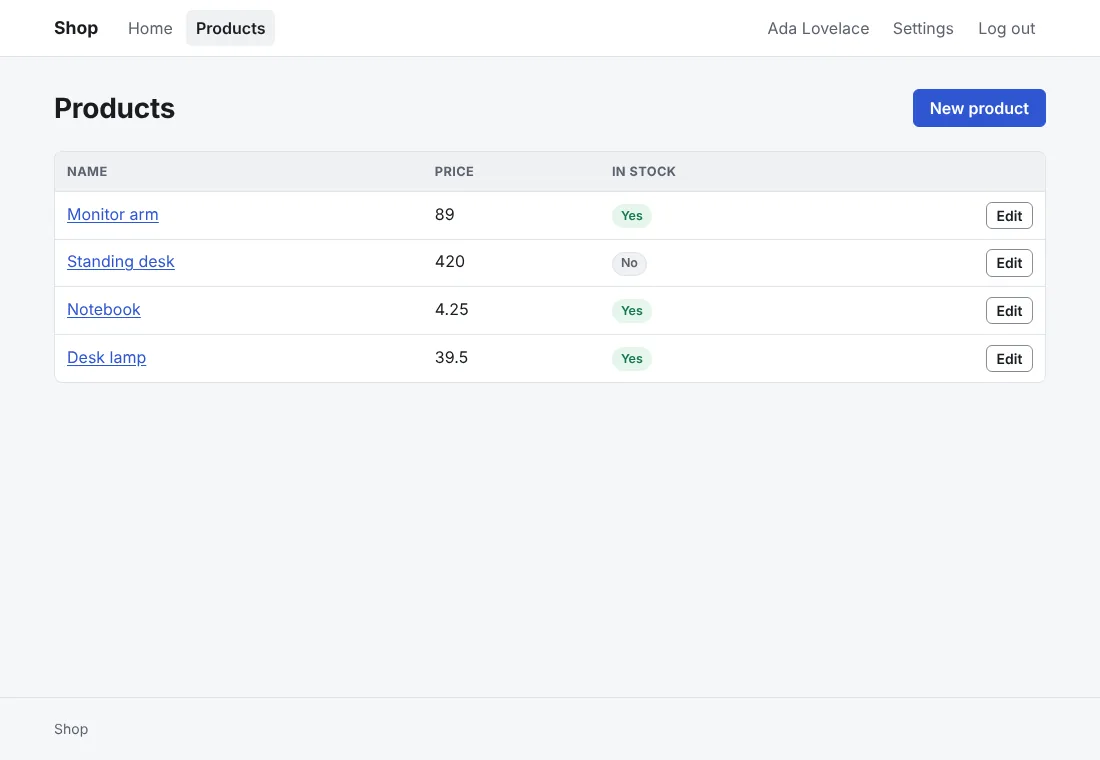
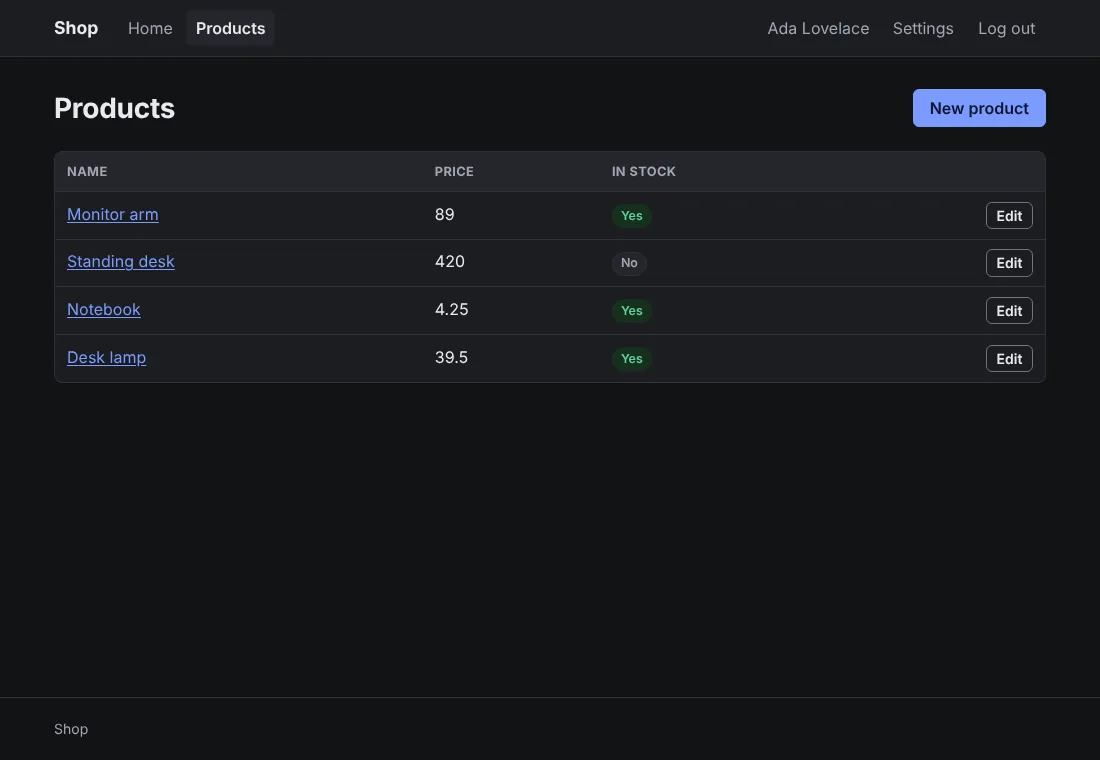
The starter theme (--css=anetos), which anetos new writes unless you pick a CSS framework:
Anetos’s own stylesheet, about 270 lines of plain CSS, with no
framework and no build step.
Before you start
A project made with anetos new (or --css=anetos), or switched to it
with go tool anetos css:use anetos (Style your app).
Steps
1. Know its files
| File | Holds |
|---|---|
views/ui/*.templ | The components, with the theme’s classes (card, field, badge success…) |
views/ui/classes.go | The classes of each variant and size (button secondary small) and tone |
public/static/app.css | The theme: color variables, light and dark, base styles for plain HTML, then the classes |
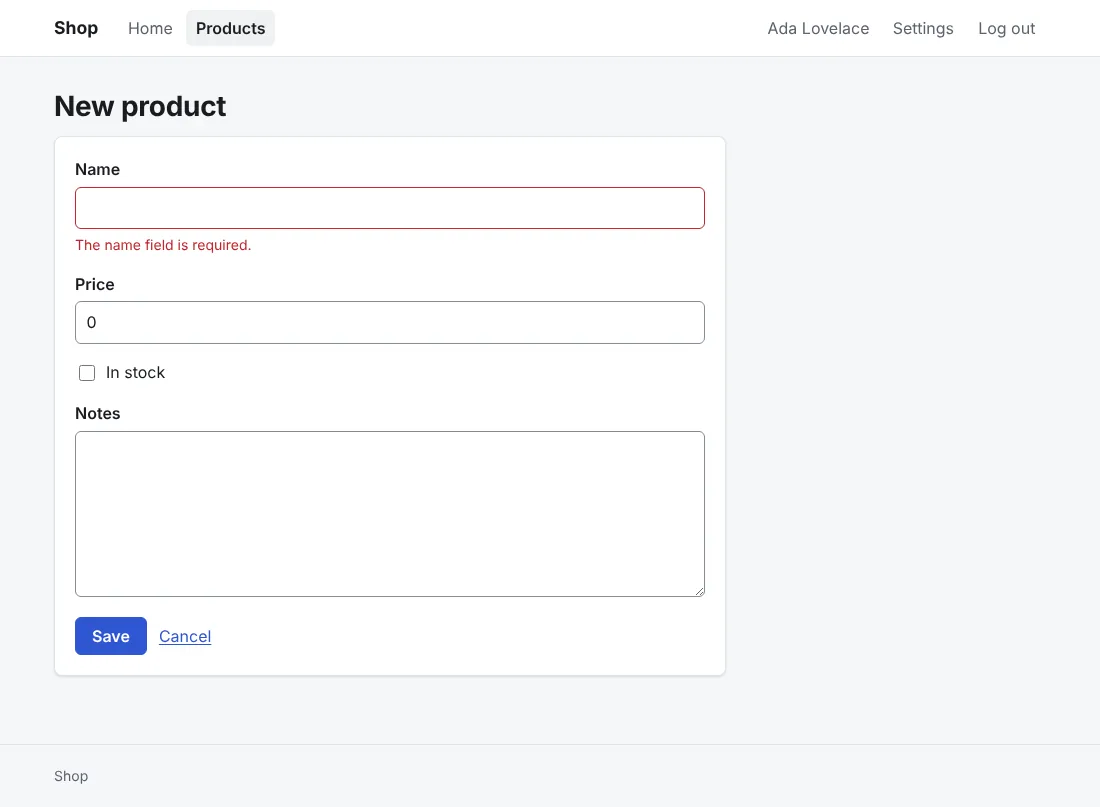
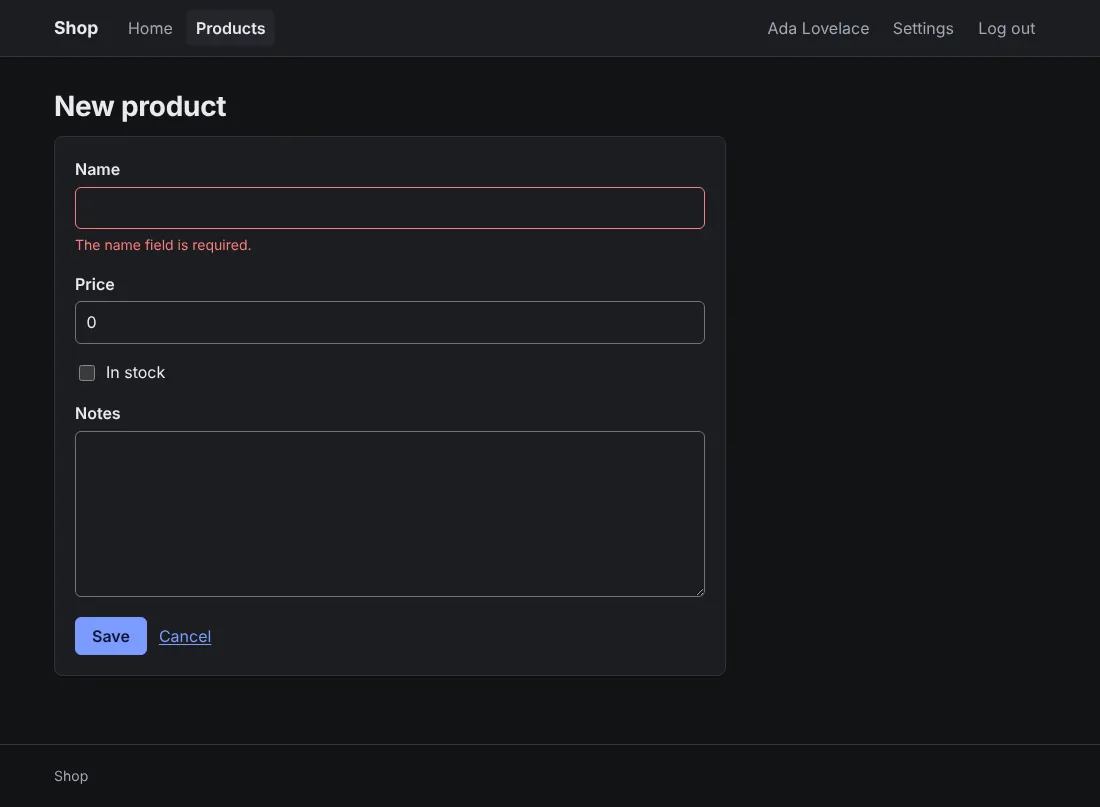
Forms and tables need no class: plain HTML looks right as it is. A form with its errors:
2. Change its colors
The variables at the top of app.css are the theme’s colors, radius,
fonts and width; the dark ones follow twice, in a prefers-color-scheme
block and for data-theme="dark". For a brand color, change them in
all three:
/* illustrative */
:root {
	--primary: #7c3aed;
	--primary-hover: #6d28d9;
}
@media (prefers-color-scheme: dark) {
	:root:not([data-theme="light"]) {
		--primary: #a78bfa;
		--primary-hover: #c4b5fd;
	}
}
:root[data-theme="dark"] {
	--primary: #a78bfa;
	--primary-hover: #c4b5fd;
}
Edit the values in place rather than adding rules after them. Dark mode
follows the visitor’s system; data-theme="dark" (or "light") on
<html>, in views/layout.templ, forces one.
3. Use its other classes
grid (cards side by side, wrapping) is a class no component uses
yet, for components of your own; muted, stack and cluster, the
classes of Note, Stack and Cluster, are yours to use too. Put the markup in a component
of views/ui (Style your app),
so its classes stay in one package.
Common problems
| Symptom | Cause | Fix |
|---|---|---|
| A color change shows in light but not in dark | The dark blocks set the variable too | Change it in the prefers-color-scheme: dark block and the data-theme="dark" one as well |
css:use refuses to switch: public/static/app.css changed | You edited the theme | Commit, run it with --force, and carry your colors over to the new stylesheet (Style your app) |
Next steps
- Style your app: the components, and the CSS frameworks
- UI components reference