Style with Bootstrap
--css=bootstrap: Bootstrap 5.3.8’s
classes, its stylesheet and its JavaScript bundle, as released. No
build step.
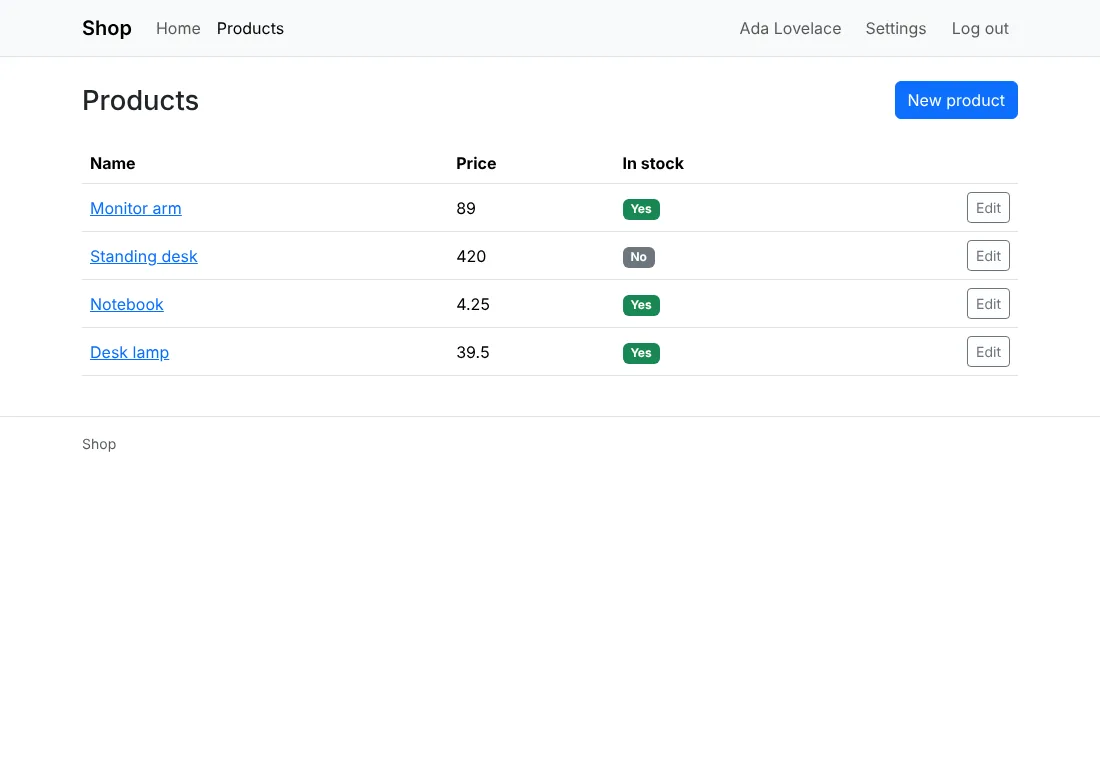
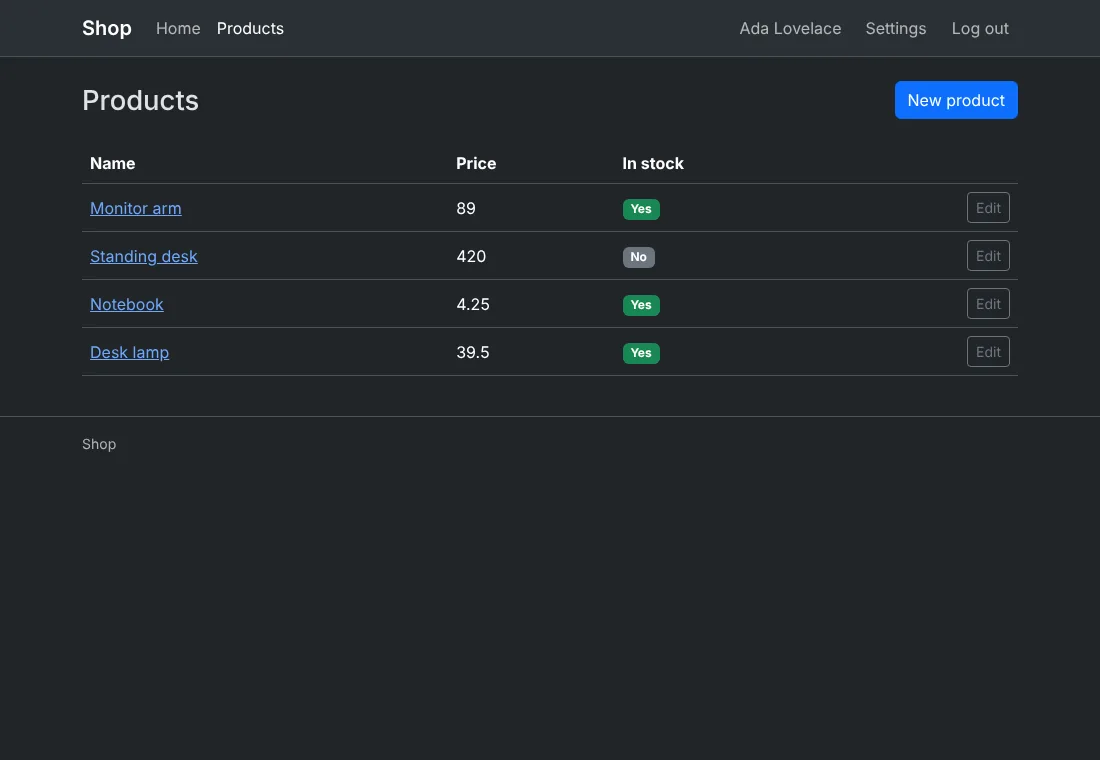
Before you start
A project made with anetos new blog --css=bootstrap, or switched to it
with go tool anetos css:use bootstrap.
Steps
1. Know its files
| File | Holds |
|---|---|
public/static/bootstrap.min.css, bootstrap.bundle.min.js | Bootstrap as released (the bundle includes Popper), with bootstrap.LICENSE.txt and popper.LICENSE.txt (MIT) |
public/static/theme.js | Sets data-bs-theme on <html> from the visitor’s light or dark mode, and follows its changes |
public/static/app.css | The few rules Bootstrap has no class for (a narrow column, the login card’s width) |
views/ui/*.templ | The components: navbar, card, form-control, alert, badge, pagination… |
views/ui/classes.go | The classes of each variant and size (btn btn-primary, btn-outline-secondary, btn-danger, btn-link, btn-sm, w-100) and tone |
A form with its errors:
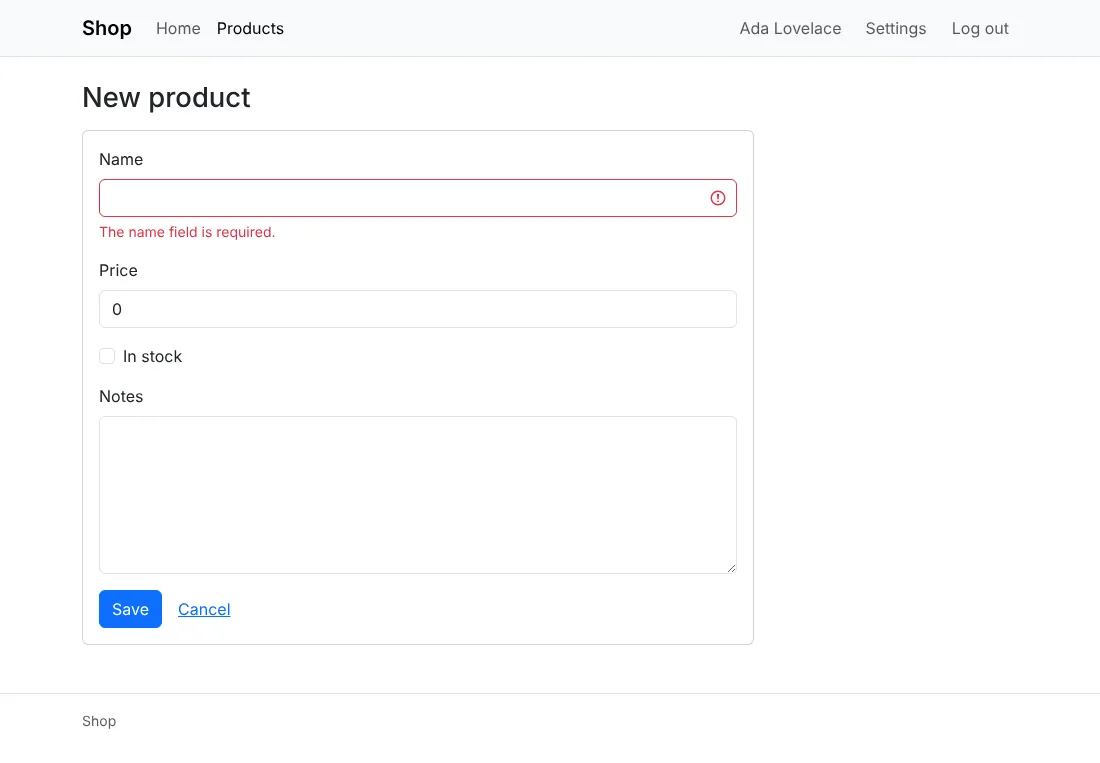
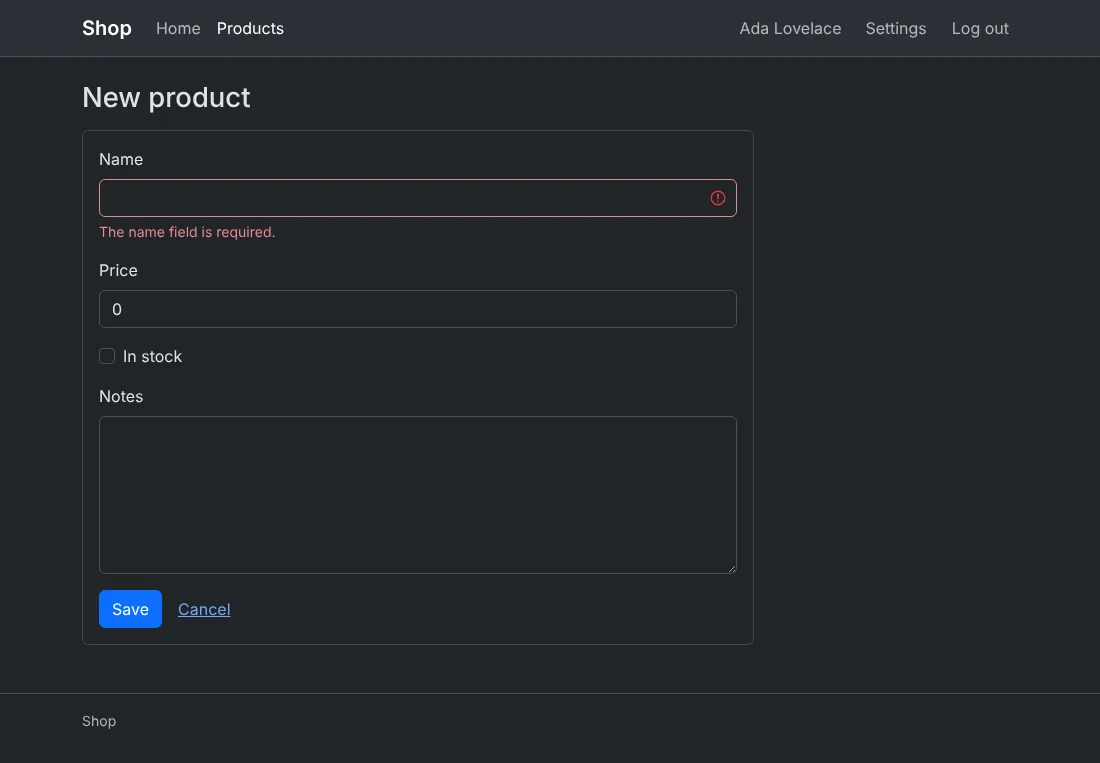
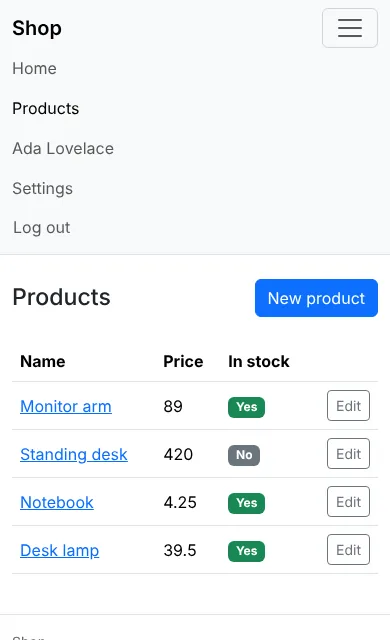
On a small screen, a menu button opens the header’s links. Its name for
screen readers is nav.menu in locales/<locale>/app.yaml (“Menu”):
2. Change its colors
Bootstrap compiles its colors into each component with Sass; without a
build step, set the CSS variables the components read, in app.css:
/* illustrative */
:root, [data-bs-theme=light] {
	--bs-primary: #6f42c1;
	--bs-primary-rgb: 111, 66, 193;
	--bs-link-color: #6f42c1;
	--bs-link-color-rgb: 111, 66, 193;
	--bs-link-hover-color: #59359a;
	--bs-link-hover-color-rgb: 89, 53, 154;
}
[data-bs-theme=dark] {
	--bs-link-color: #a385db;
	--bs-link-color-rgb: 163, 133, 219;
	--bs-link-hover-color: #c2aeea;
	--bs-link-hover-color-rgb: 194, 174, 234;
}
.btn-primary {
	--bs-btn-bg: #6f42c1;
	--bs-btn-border-color: #6f42c1;
	--bs-btn-hover-bg: #59359a;
	--bs-btn-hover-border-color: #59359a;
	--bs-btn-active-bg: #59359a;
	--bs-btn-active-border-color: #59359a;
}
Bootstrap’s docs
list each component’s variables. Some colors are compiled in, the
focus ring of the form controls among them: for a full theme (another
palette, fonts, spacing), compile Bootstrap with Sass yourself and replace
bootstrap.min.css with the result.
3. Use more of Bootstrap
Its JavaScript bundle is loaded on every page (deferred), so its
components work in yours: dropdowns, modals, collapses (tooltips and
popovers need a line of script to start them, as Bootstrap’s docs
show). A
dropdown, as a component of views/ui:
// illustrative
templ Dropdown(label string) {
	<div class="dropdown">
		<button class="btn btn-outline-secondary dropdown-toggle" type="button" data-bs-toggle="dropdown" aria-expanded="false">{ label }</button>
		<ul class="dropdown-menu">
			{ children... }
		</ul>
	</div>
}
Its grid (row, col-md-6) and utilities (mb-3, d-flex) work in
your own pages too; a component keeps them in one place (Style your
app).
How it works
Bootstrap’s dark mode is data-bs-theme="dark" on <html>, which
theme.js sets from the visitor’s system before the page shows. The
menu button is Bootstrap’s collapse, from its bundle. css:use bootstrap in a project that has it brings a newer Bootstrap when a
newer anetos carries one (Style your app).
Common problems
| Symptom | Cause | Fix |
|---|---|---|
--bs-primary changes nothing on buttons | Each button’s color is its own variables | Set .btn-primary’s, as above |
| The menu button does nothing | bootstrap.bundle.min.js isn’t loaded (a ui.Head you changed), or JavaScript is off | Link the bundle from ui.Head; without JavaScript, the links stay hidden on small screens |
The browser’s console reports a missing .map file | The released files name their source maps, which anetos doesn’t carry | Harmless: only the developer tools ask for it |